Victorious Automotive · Universal Fit · In-Car Technology
Universal Apple CarPlay & Android Auto Receiver — Works With Any Car
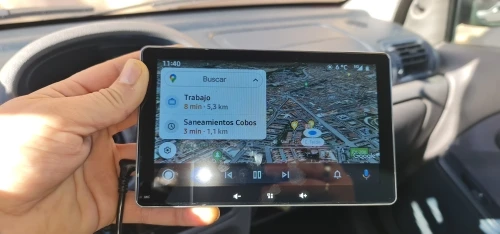
A 7-inch wireless touchscreen display that brings Apple CarPlay and Android Auto to any vehicle with a 12V port — no head unit replacement required.
Universal Fit
Apple CarPlay
Android Auto
7" IPS Display
Wireless Connectivity
Bluetooth
FM Transmitter
12V Plug-In
Dash Mount
Voice Control
Overview
Whether you're driving a Range Rover L405, a Defender L663, a Discovery 4, or any other vehicle that predates integrated smartphone mirroring, the absence of Apple CarPlay or Android Auto is one of the most frustrating cabin compromises. Modern navigation, music streaming, messaging, and hands-free calling are now essential — and retrofitting factory infotainment is often expensive, invasive, and warranty-affecting.
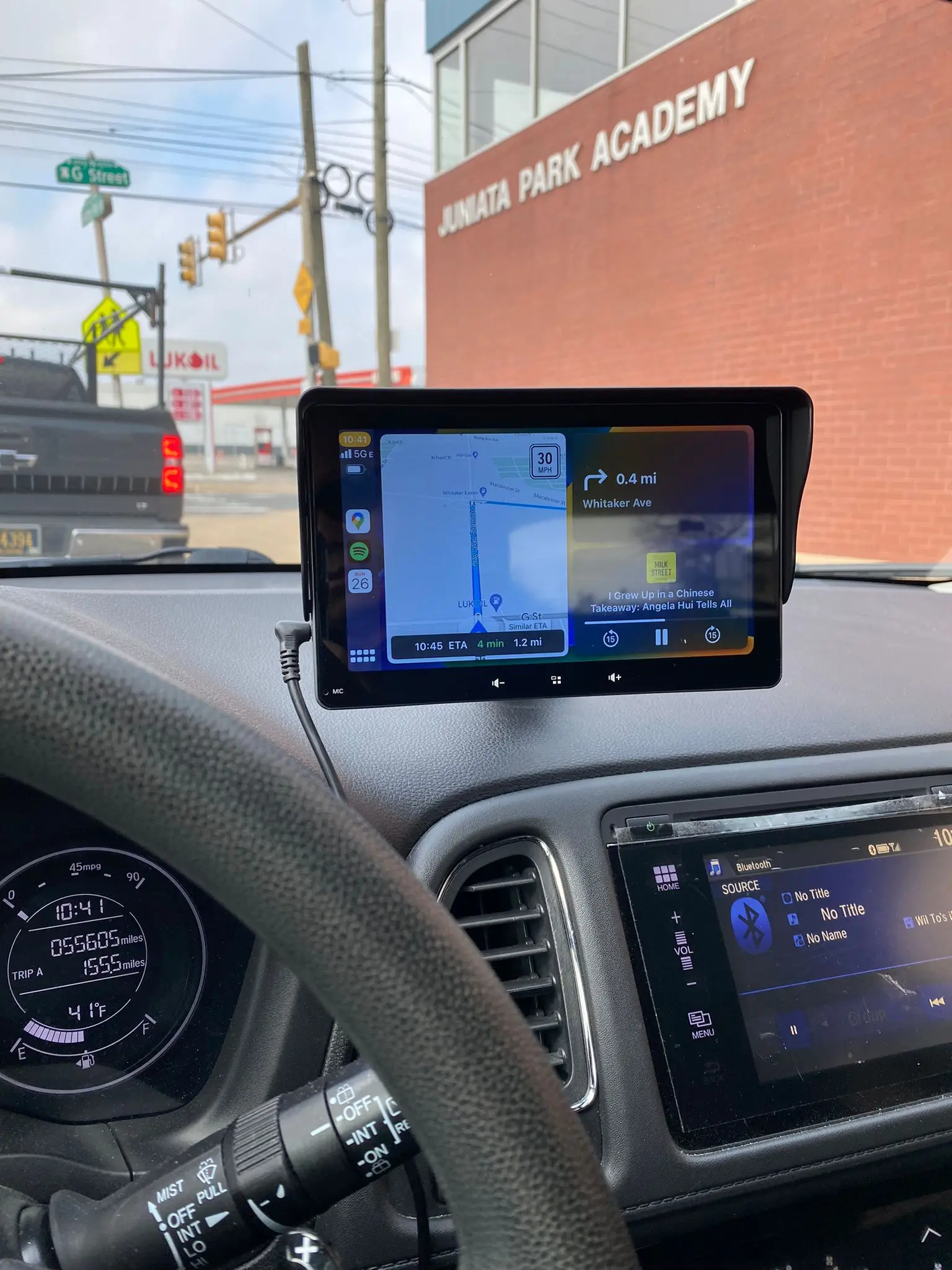
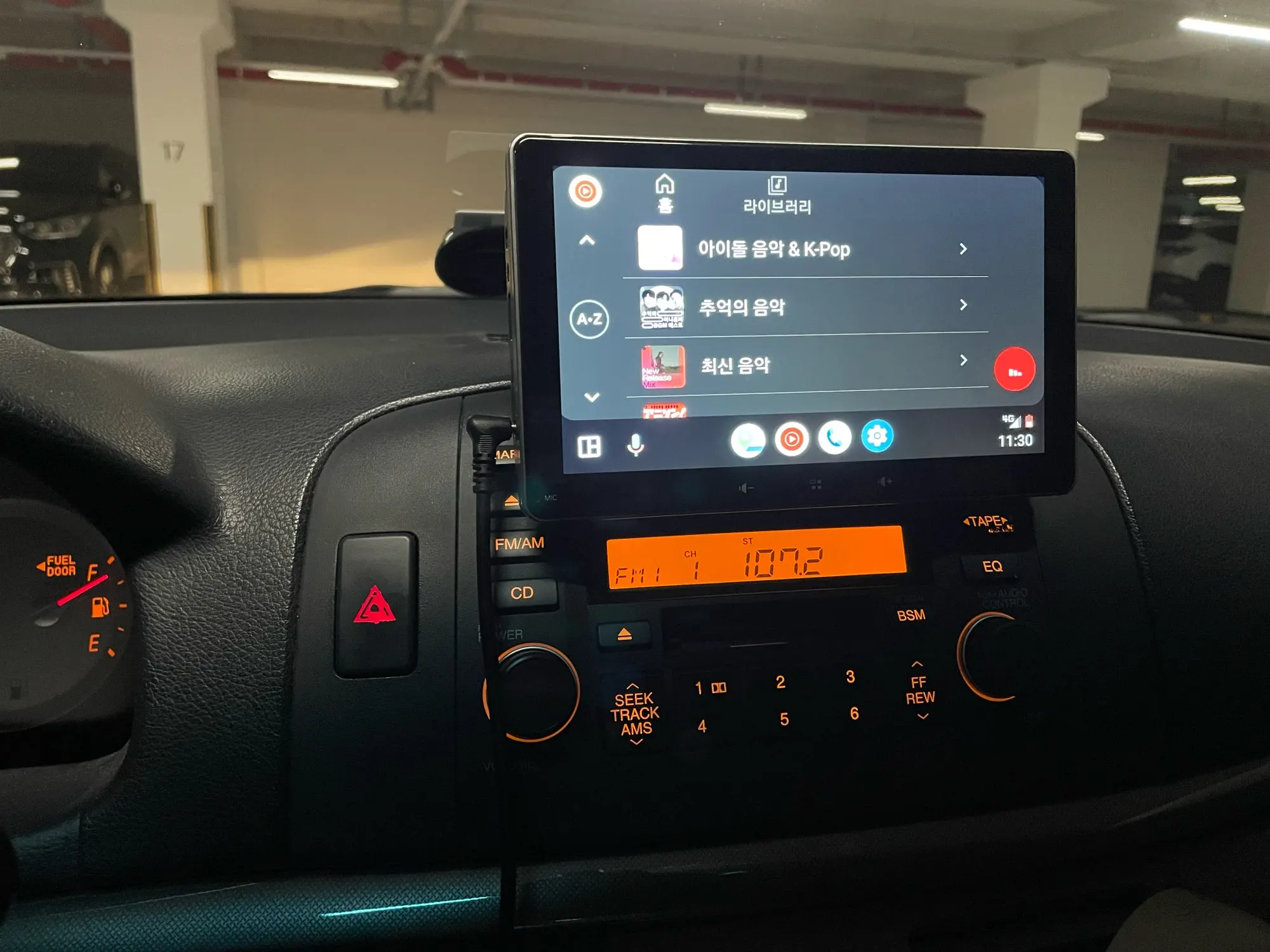
This Universal CarPlay and Android Auto Receiver from Victorious Automotive solves that problem cleanly. The 7-inch IPS touchscreen mounts directly to your dashboard or windshield via a secure suction mount, plugs into your 12V cigarette lighter socket, and connects to your iPhone or Android device via your standard charging cable. No wiring looms, no dashboard disassembly, no coding required. Within minutes, your vehicle gains a fully functional CarPlay or Android Auto interface — complete with Google Maps, Waze, Apple Maps, Spotify, WhatsApp, Siri, and Google Assistant.
The built-in FM transmitter broadcasts audio wirelessly to your car's existing speakers on any FM frequency you choose, while Bluetooth pairing covers calls and music independently of the CarPlay or Android Auto session. It powers on automatically with your ignition, charges your phone via the onboard USB port while in use, and includes ventilation ports to manage heat during long drives or in high-temperature climates. A genuinely practical upgrade for any vehicle owner who wants smartphone integration without compromising their original interior.
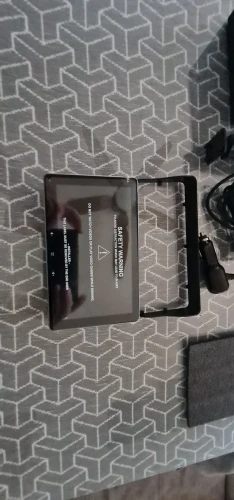
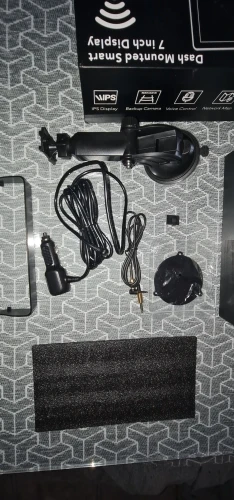
What's Included
📺
7" IPS Touchscreen Receiver
Main display unit with CarPlay & Android Auto
🔧
Suction Dashboard Mount
Windshield or dash-top mounting arm
🔌
12V Cigarette Lighter Adapter
Powers the unit from any 12V port
📖
User Instruction Guide
Setup and pairing reference
Note: Phone charging cable (Lightning or USB-C) not included. Use your standard device cable.
Product Highlights
- Wireless Apple CarPlay and Android Auto via 7" IPS touchscreen
- Wired USB connection for CarPlay, Android Auto, and simultaneous phone charging
- Built-in FM transmitter — broadcasts audio to your car's existing speakers
- Bluetooth pairing for calls and music independently of CarPlay/Android Auto
- Voice control via Siri or Google Assistant — fully hands-free operation
- Auto power-on with ignition — no manual button press required
- Built-in USB charging port on the side of the unit
- Ventilation ports for heat management in warm climates and direct sunlight
- Compatible with any vehicle with a 12V port and FM radio
- Supports Waze, Google Maps, Apple Maps, Spotify, SiriusXM, WhatsApp & more
Vehicle Compatibility
| Vehicle |
Years |
Compatibility |
Notes |
| Range Rover Vogue L460 |
2022–2026 |
Direct Fit |
Supplemental display — use 12V port |
| Range Rover Sport L461 |
2022–2026 |
Direct Fit |
Supplemental display — use 12V port |
| Defender L663 |
2020–2026 |
Direct Fit |
Supplemental display — use 12V port |
| Range Rover Vogue L405 |
2013–2020 |
Direct Fit |
Ideal retrofit for pre-CarPlay models |
| Range Rover Sport L494 |
2013–2020 |
Direct Fit |
Ideal retrofit for pre-CarPlay models |
| Range Rover Velar |
2018–2022 |
Direct Fit |
Supplemental display — use 12V port |
| Land Rover Discovery 5 |
2017–2024 |
Direct Fit |
Works alongside existing InControl |
| Land Rover Discovery 4 |
2009–2016 |
Direct Fit |
Ideal retrofit — no factory CarPlay |
| Land Rover Discovery 3 |
2004–2009 |
Direct Fit |
Ideal retrofit — no factory CarPlay |
| Land Rover Discovery Sport |
2015–2024 |
Direct Fit |
Works alongside existing system |
| Range Rover Evoque L551 |
2019–2024 |
Direct Fit |
Supplemental display — use 12V port |
| Range Rover Evoque L538 |
2011–2018 |
Direct Fit |
Ideal retrofit — no factory CarPlay |
| Range Rover Sport L320 |
2005–2013 |
Direct Fit |
Ideal retrofit — no factory CarPlay |
| Land Rover Defender (Classic) |
2004–2016 |
Direct Fit |
Works with any 12V outlet |
| Toyota Land Cruiser LC300 |
2021–2026 |
Direct Fit |
Supplemental display — use 12V port |
| Toyota Land Cruiser LC250 |
2024–2026 |
Direct Fit |
Supplemental display — use 12V port |
| Mercedes G Class / G-Wagon |
2019–2026 |
Direct Fit |
Supplemental display — use 12V port |
| Any Vehicle Without FM Radio |
— |
Check First |
FM transmitter requires car FM radio |
Installation Notes
Setup Guide — Estimated Time: 5–10 Minutes · No Tools Required
- Attach the suction mount to a clean section of your dashboard or windshield in a position that does not obstruct your primary view. Avoid placing directly over existing screens if you use a reversing camera on your factory display.
- Plug the 12V adapter into your vehicle's cigarette lighter socket. The unit will power on automatically when the ignition is turned on.
- Connect your iPhone or Android smartphone to the USB port on the side of the unit using your standard charging cable (Lightning for iPhone, USB-C for most Android devices).
- On your phone, accept the CarPlay or Android Auto prompt. The interface will appear on the 7-inch display immediately.
- Tune your car's FM radio to a clear, unused frequency. Set the same frequency on the unit's FM transmitter to route audio through your car speakers.
- For Bluetooth-only use (calls and music without CarPlay/Android Auto), navigate to the device's Bluetooth settings and pair your phone directly.
Important: This is a supplemental, external display — it does not replace or integrate with your factory head unit or existing touchscreen. It will not interfere with your vehicle's electronics, CANBUS system, or existing InControl/MBUX interfaces. A wired USB connection to your phone is required to use CarPlay or Android Auto; the wireless label refers to the absence of a separate data cable beyond your charging cable. Steering wheel controls are not supported. SiriusXM requires app installation and an active subscription.
Common Questions Answered
| Question |
Answer |
| Does it replace my factory screen? |
No — it is an external supplemental display only |
| Does it need a phone to function? |
Yes — it is not a standalone GPS or media player |
| Does it work without a cable? |
CarPlay/Android Auto require a USB cable; Bluetooth works wirelessly |
| Does it have a built-in AM/FM tuner? |
No — audio is routed via FM transmitter or AUX from your phone |
| Does it support steering wheel controls? |
No — voice control via Siri or Google Assistant is recommended |
| Does it auto-start with the car? |
Yes — powers on automatically with ignition |
| Does it support Waze and Google Maps? |
Yes — via Android Auto; via CarPlay with iOS compatibility |
| Will it get hot in direct sunlight? |
Ventilation ports help manage heat; dash placement advised over windshield |
Bring Your Cabin Into the Modern Era
Whether you're upgrading a classic Defender, a pre-2015 Discovery, or simply adding a secondary display to a newer Range Rover, this receiver delivers the smartphone integration your drive deserves — in under ten minutes, with zero modifications.
Shop All In-Car Technology
Use code 22GET20 for 20% off any 2 items
⭐ 4.9/5 from 12,300+ verified reviews
📦 Worldwide Shipping via DHL, FedEx & UPS
↩️ 30-Day Money-Back Guarantee
📞 +44 203 943 9919 Mon–Fri 9am–7pm
Victorious Automotive is an independent aftermarket accessories retailer. This product is not manufactured by, endorsed by, or affiliated with Jaguar Land Rover Limited, Apple Inc., Google LLC, or any original equipment manufacturer. Apple CarPlay and Android Auto are trademarks of their respective owners. Always ensure mounted accessories do not obstruct driver visibility or violate local road safety regulations. Installation is at the owner's discretion.